

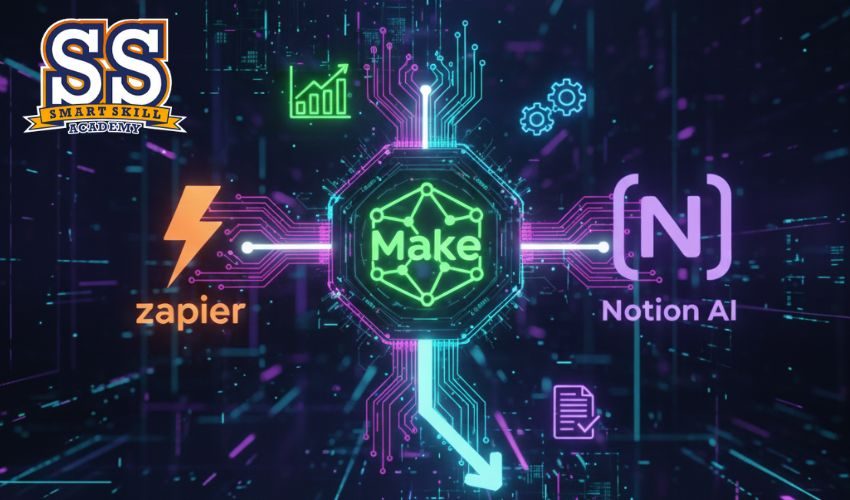
AI Tools for Businesses (Zapier, Make, Notion AI)
Get unlimited access to all learning content and premium assets Membership Pro
This course teaches learners how to use the most powerful no-code automation tools—Zapier, Make (Integromat), and Notion AI—to streamline business operations.
You will learn how to automate emails, manage data, optimize business workflows, integrate apps, and use AI for writing, planning, project management, and decision-making.
By the end of the course, learners will create fully automated systems for tasks like marketing, sales, operations, HR, and content management.
Learning Outcomes
Automation Foundations
-
What are workflows?
-
Trigger–action automation
-
No-code vs low-code
-
How AI enhances automation
Zapier Essentials
-
Zap triggers & actions
-
Multi-step workflows
-
Filters, delays & paths
-
Connecting apps (Google, Notion, Slack, Gmail, Sheets)
Make (Integromat) Essentials
-
Scenario building
-
Routers, schedulers & webhooks
-
Visual workflow mapping
-
Dynamic data transformation
Notion AI for Productivity
-
Writing assistance
-
AI for meeting notes
-
Auto-generated tasks & summaries
-
AI database queries & planning
Business Use Cases
-
Automated lead management
-
AI-powered customer support
-
Marketing workflows
-
Finance & invoicing automation
-
Project management systems
AI + No-Code Integration
-
Combining AI tools with Zapier
-
Connecting Notion AI with Make
-
Auto-generating content & emails
-
Real-time syncing across apps
Advanced Automation Techniques
-
Webhooks & API basics
-
Conditional logic
-
Data cleaning & formatting
-
Task scheduling
Business Optimization Applications
-
Sales pipeline automation
-
HR onboarding automation
-
Social media auto-posting
-
Client communication automation
Project Work
-
Build a complete business automation system
-
Create a multi-step Zap or Make scenario
-
Design a Notion AI workspace
- Beginner-friendly
- Practical workflows
- Step-by-step scenarios
- Covers 3 major automation tools
- Business-focused use cases
- Real-world templates included
- Business owners
- Freelancers
- Working professionals
- Startups & teams
- Anyone wanting to automate daily work
- No coding required
- Basic computer skills
- Internet connection
- Interest in automation
- 9 Sections
- 30 Lessons
- 14 Hours
- Introduction to AI Automation3
- Getting Started with Zapier4
- Make (Integromat) Basics4
- Notion AI Foundations4
- Business Workflow Automation4
- AI + Automation Integration3
- Optimization & Scaling3
- Advanced AI Workflows3
- Final Project2

Get unlimited access to all learning content and premium assets Membership Pro
You might be interested in
-
Expert
-
417 Students
-
30 Lessons
-
Beginner
-
482 Students
-
42 Lessons
-
Intermediate
-
375 Students
-
42 Lessons
-
Expert
-
338 Students
-
54 Lessons
Sign up to receive our latest updates
Get in touch
Call us directly?
Address